WriteExpress Screenshots for Windows
These screenshots apply to the following products:
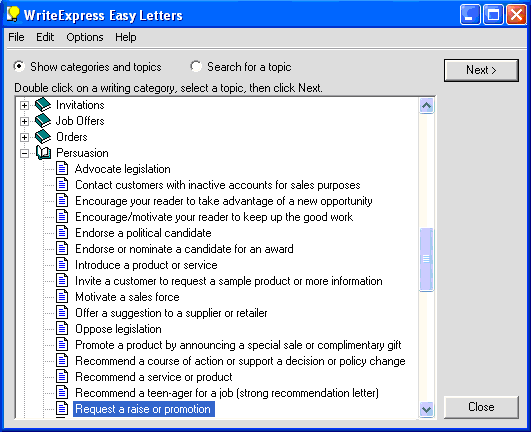
1. Choose from more than 500 topics, then click the Next button
We did the research, writing & editing for you.
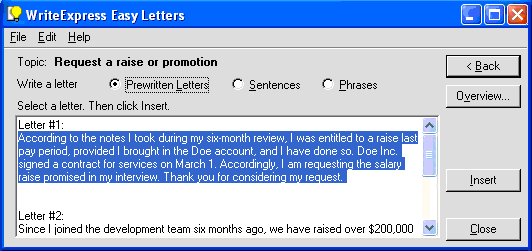
2. Copy your letter
Copy any of thousands of professionally written letters into your document.
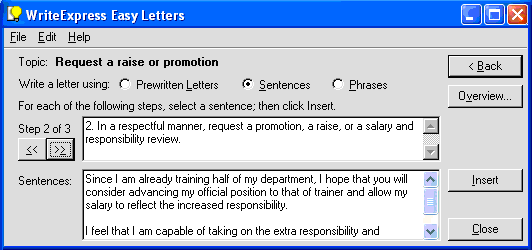
Assemble your own letter with choice sentences
It's just like having your own professional writer suggesting carefully crafted words for customizing your own unique, fresh letter.
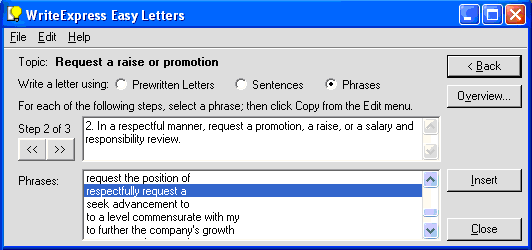
Or brainstorm with appropriate phrases
Each writing step also contains phrases to get your creative juices flowing.
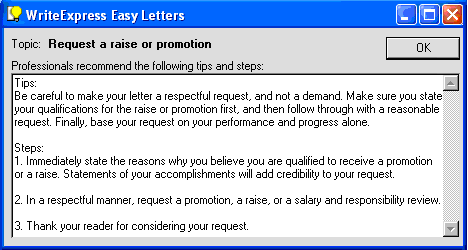
Learn from "must-know" letter-writing tips
Click the Overview button to see tips and steps recommended by professionals.
Still can't find the right words for your letter?
You will with our letter-writing tutorials!
- Learn step by step
- Use choice phrases and sentences
- Create your own, unique letter